If you encounter the error message An internal server error occurred while generating the bank file, it usually indicates that one or more employees have incomplete bank details in their employee profile.
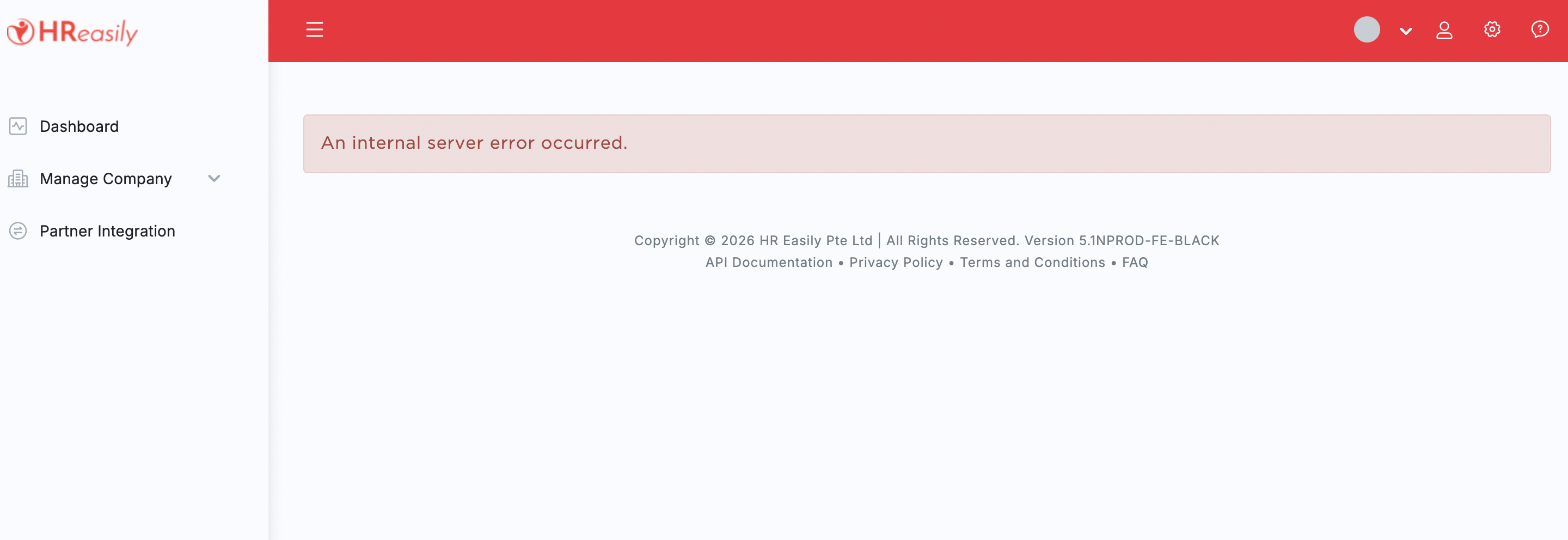
This commonly happens for newly added employees whose bank information has not been fully updated in the system. Please follow the steps below to resolve the issue.
1. Download the monthly payroll report and check for employees with blank fields under:
- Bank Name
- Bank Account Number
2. Navigate to Staff Directory > Select Employee > Payroll tab. Complete the required bank information for the affected employee(s).
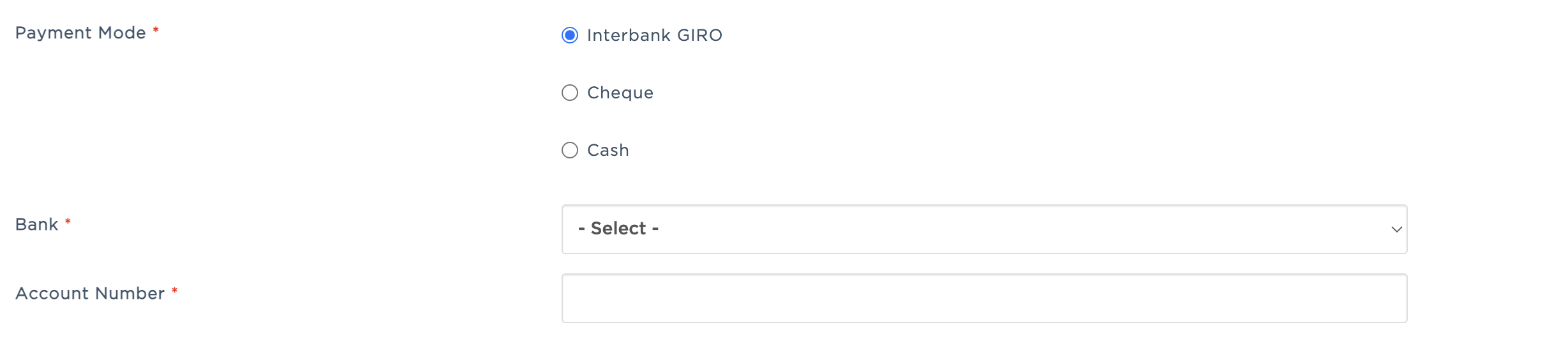
3. After updating the employee details, save the employee profile and regenerate/download the bank file again. The bank file should now generate successfully.
Was this article helpful?
That’s Great!
Thank you for your feedback
Sorry! We couldn't be helpful
Thank you for your feedback
Feedback sent
We appreciate your effort and will try to fix the article