Employers who wish to submit IR56B data files using self-developed software must obtain approval from the Department before proceeding with their year-end tax submission.
Follow the steps below to download the required application forms:
1. Go to Manage Company > Payroll.
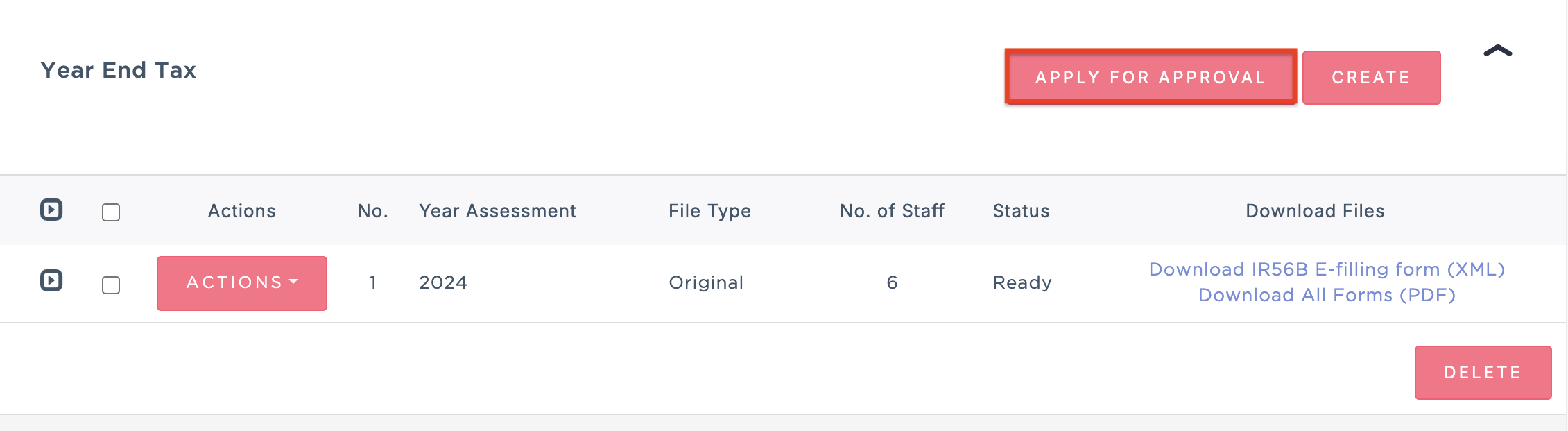
2. Scroll down to the Year End Tax section and click Apply For Approval.
3. Download the required forms and complete the application as instructed. Submit the completed forms through the official IRD website for approval.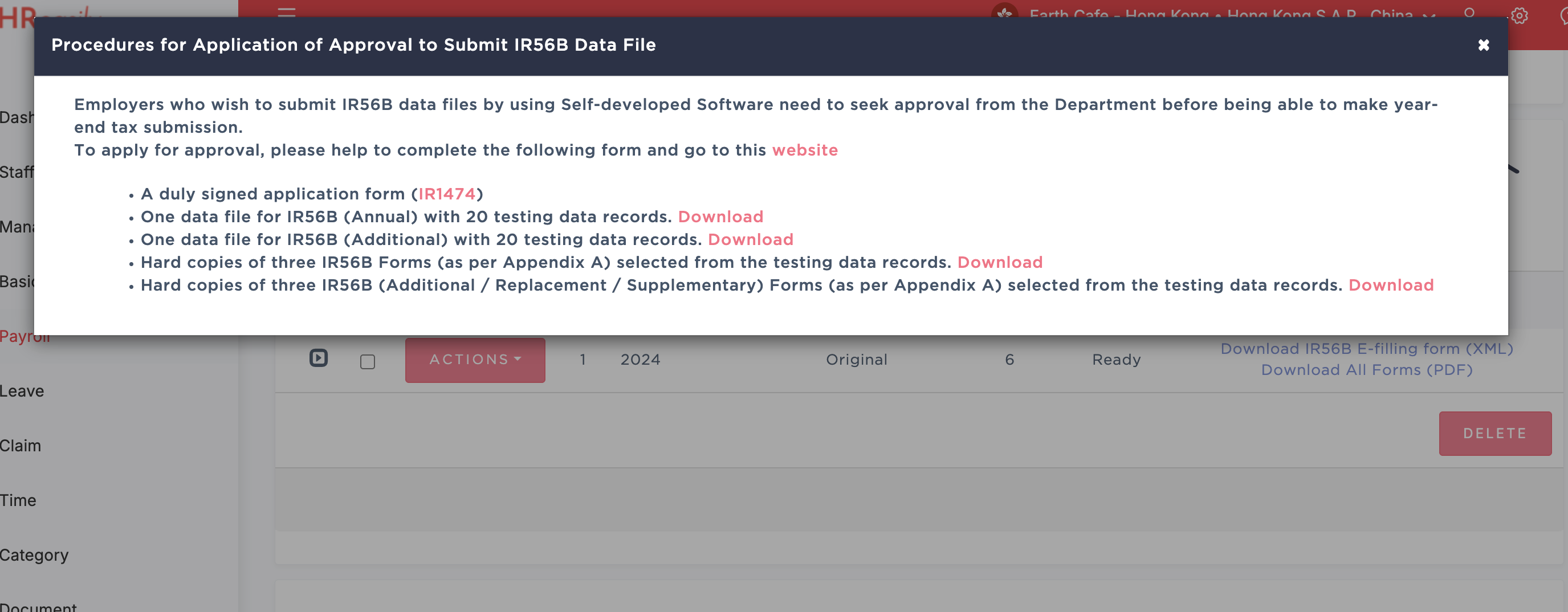
Was this article helpful?
That’s Great!
Thank you for your feedback
Sorry! We couldn't be helpful
Thank you for your feedback
Feedback sent
We appreciate your effort and will try to fix the article