You can generate Employee Welfare Fund (EWF) forms directly from the payroll system. Follow the steps below to access and generate the relevant EWF forms.
Generate EWF Forms
1. Go to Payroll > Forms > EWF Forms.
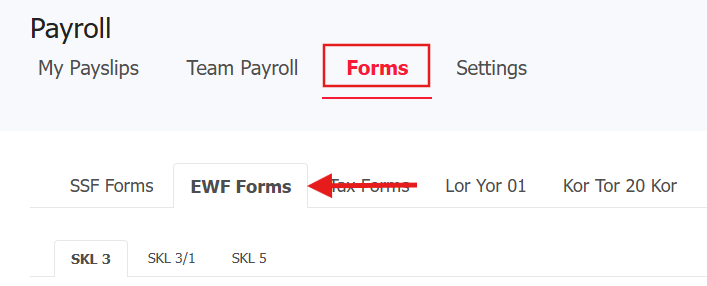
2. Click the appropriate tab to generate the respective forms:
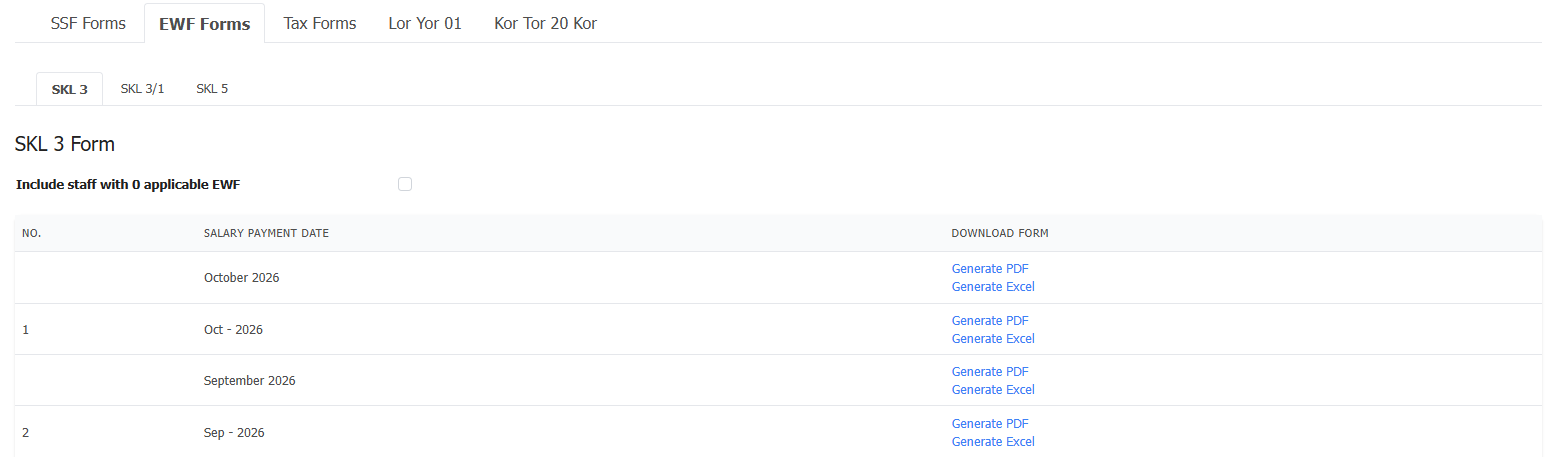
Note: Select this option to include employees who have zero applicable EWF data in your generated report, or leave it unchecked to show only staff with active EWF entries.

SKL 3 - Used to report the list of employees, wages, contribution rate, and contribution amount.
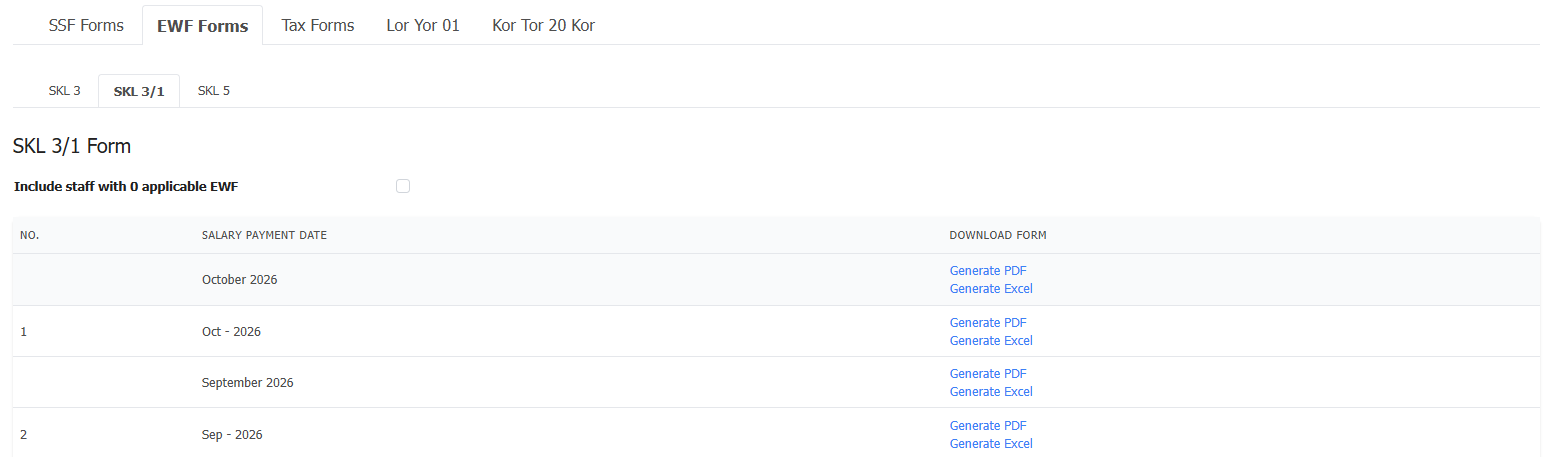
SKL 3/1 - Contains the same employee, wage, contribution rate, and contribution amount details as SKL 3, but includes the additional header "For businesses where employees are not subject to the Labour Protection Act B.E. 2541 (1998)" or “สำหรับกิจการที่ลูกจ้างมิได้อยู่ในบังคับตามพระราชบัญญัติคุ้มครองแรงงาน พ.ศ. 2541”.
SKL 5 - Used to record the beneficiary or beneficiaries of the Employee Welfare Fund (EWF) in the event of an employee's death.
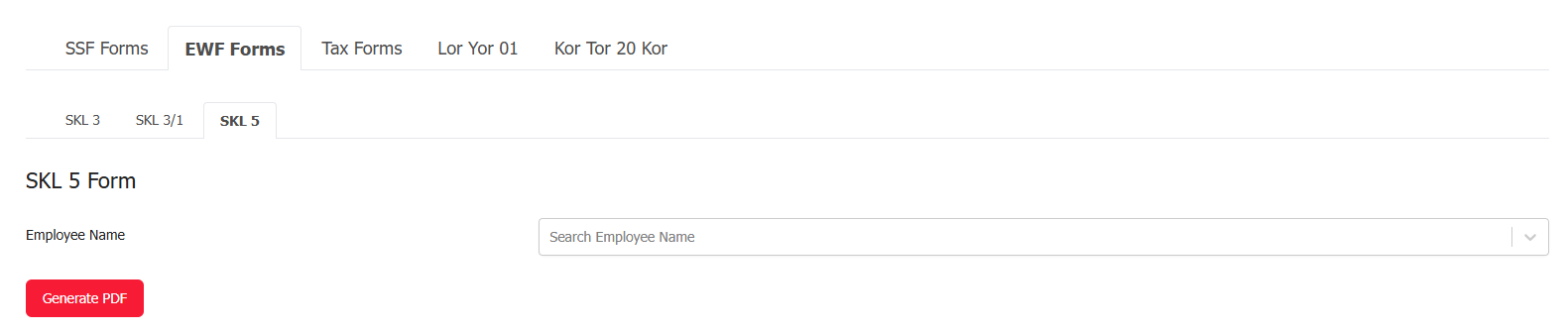
3. Generate or download the form as required.
Was this article helpful?
That’s Great!
Thank you for your feedback
Sorry! We couldn't be helpful
Thank you for your feedback
Feedback sent
We appreciate your effort and will try to fix the article